Customer need
One product, two ways to view
Customer outcome
Use the dedicated screen nearby and the App for remote access when the required network connections are available.
Product proof
FHSS + app viewing
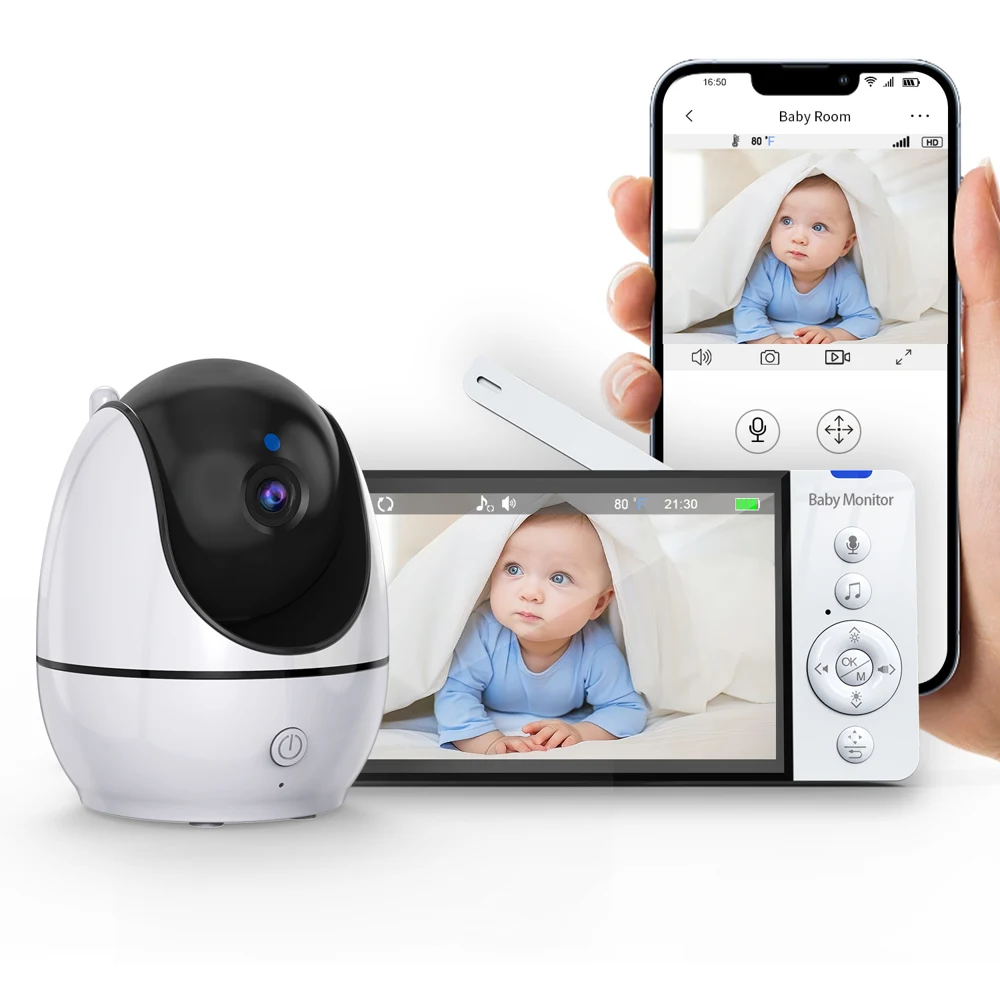
Use the dedicated screen nearby and the App for remote access when the required network connections are available.
Your selected model and any saved requirements stay together.
Use this record to discuss requirements. Current configuration, matched imagery, supply and sample availability require project verification.
Choose a feature to see how product facts connect to customer value.
Use the dedicated screen nearby and the App for remote access when the required network connections are available.
FHSS + app viewingBuild a connected range around both home and away viewing needs.
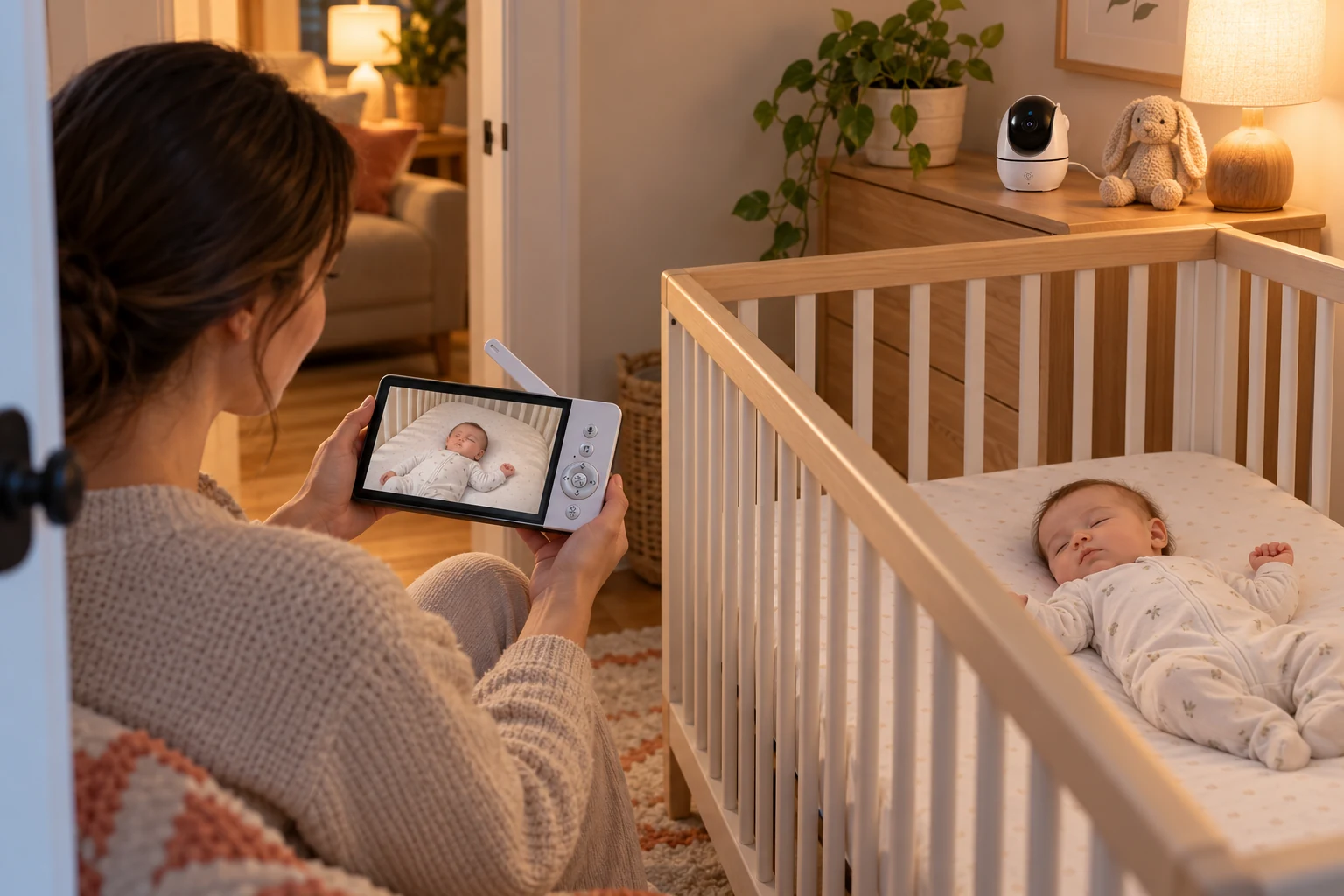 View larger
View larger
View larger
View larger
View larger
Start with the customer problem, show the outcome, then use the product fact as proof.
Customer need
Use the dedicated screen nearby and the App for remote access when the required network connections are available.
FHSS + app viewing
Customer need
Screen size and display type define the everyday viewing experience.
5-inch
Customer need
Two-way audio adds voice communication to the viewing or listening task.
Two-way audio
Use the dedicated screen nearby and the App for remote access when the required network connections are available.
Explore Everyday Care →Open only the information you need: product facts, sample priorities, kit boundaries or model-specific tools.
Exact hardware / software version, matched product image and current supply
Local-screen setup, App pairing and both viewing routes
Night-view image and controls in the intended low-light setting
Camera count, included accessories, firmware, plugs and instructions must match the quotation. Expansion capability does not establish the supplied kit. Confirm the current App and the network conditions for remote viewing.
Packaging format, language, labels and carton details are confirmed for the selected version and project.
Compare the role each model plays—not only the numbers in the specification table.
Share the target market, intended kit and buying stage. The next response can focus on the matched version, sample arrangement and applicable project conditions.
Product selection, OEM/ODM customization, delivery coordination and after-sales support for brands, importers and retailers.
从产品选型到定制、交付与售后,支持你的婴儿看护器业务。Home, travel and temporary spaces.
Local screens and connected options for everyday care.
Explore mobile viewing and flexible camera placement.
Discover additional products for everyday care needs.
Start with an existing model, define your brand requirements or discuss a development brief.
Choose a product range for your channel, evaluate samples and plan product and after-sales support.
Compare actual product designs, viewing options and camera placement before building your shortlist.
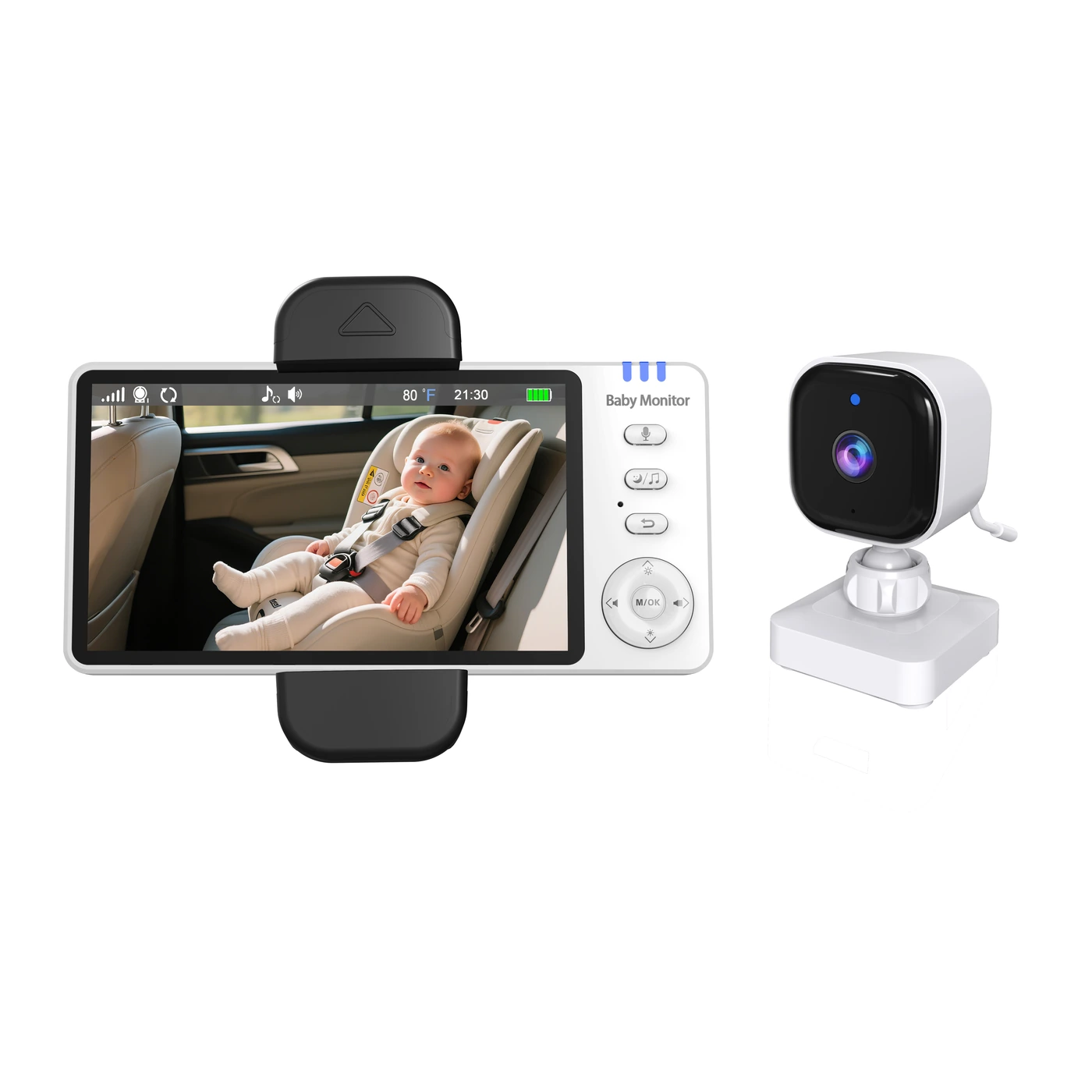
Market, model and project scope.
Evaluate function and everyday use.
Agree specifications and packaging.
Follow progress and agreed checks.
Coordinate packing and documents.
Track feedback and follow-up actions.
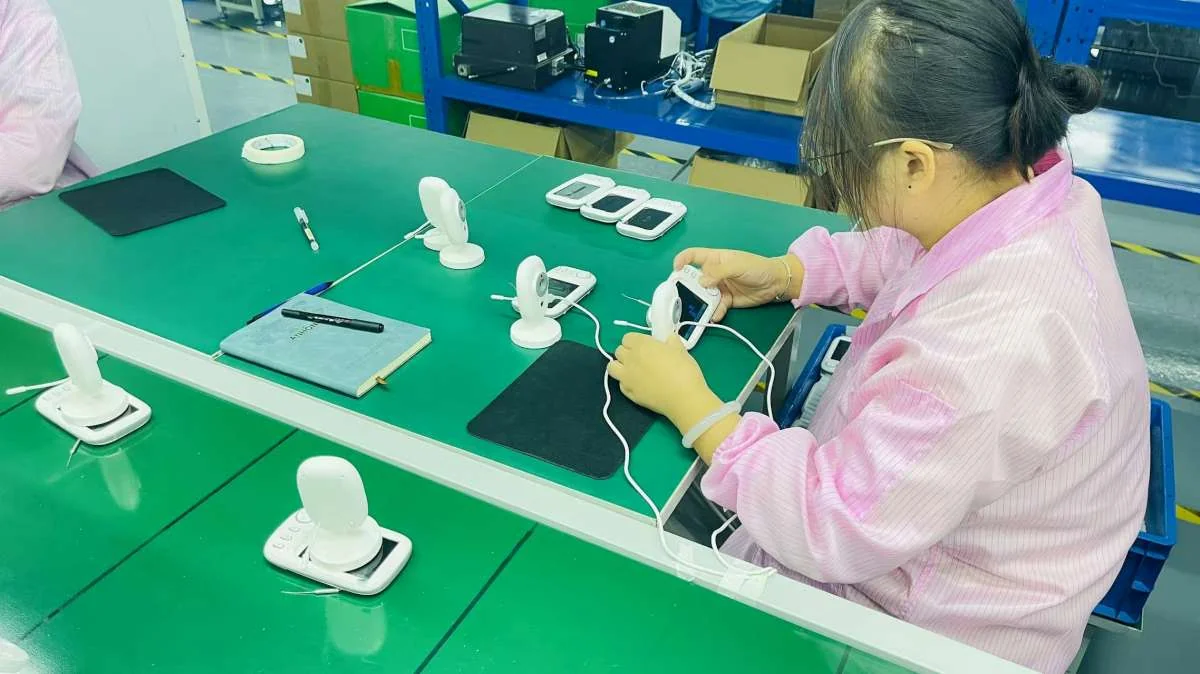
Discuss the checks, records and handover documents your project needs. Keep product, packaging and order versions aligned throughout the process.
Your market, your channel, your product requirements.
告诉我们你的市场、渠道和产品需求。